
Fresh TouchDesigner Tools: Live Coding, Smart Copying & Pro Finishing
Three open-source tools to expand your creative workflow

Over the past few months, I’ve been working on solving some gaps in TouchDesigner’s ecosystem. These aren’t flashy demos or artistic experiments—they’re practical tools born from real frustrations in my daily practice.
Each addresses a specific limitation I kept bumping into: integrating live coding environments, streamlining repetitive tasks, and avoiding the constant round-trip to external software for finishing work.
Hydra 2 TD: Live Coding Inside TouchDesigner
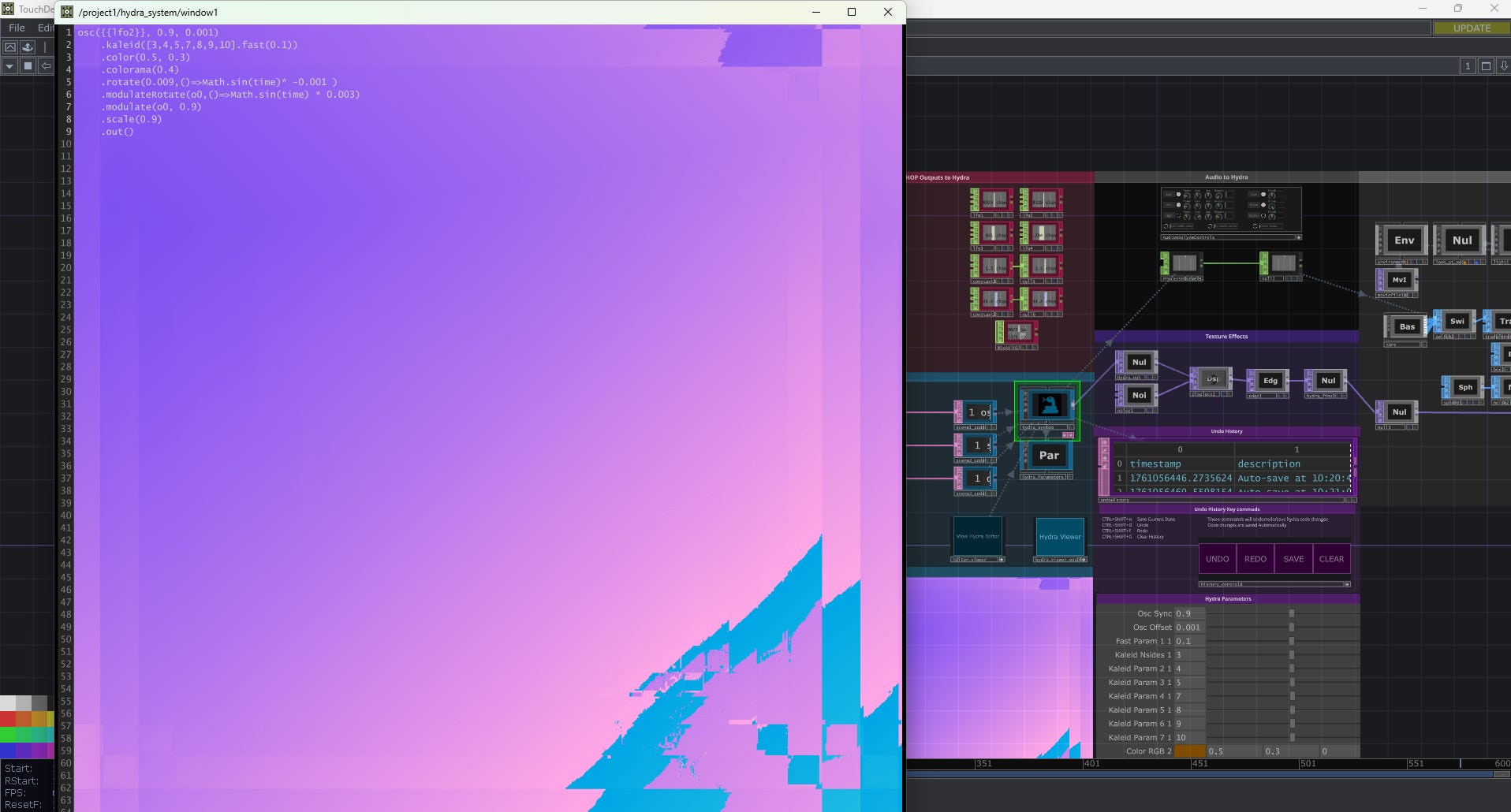
The first tool bridges two worlds that rarely talk to each other. Hydra’s live coding environment is incredible for rapid visual iteration, but it exists in isolation from TouchDesigner’s node-based ecosystem.
Hydra 2 TD creates full bidirectional data flow between the two environments. You can live-code Hydra patterns while feeding them TouchDesigner data in real-time, or use Hydra’s output as another source in your TD network.
This opens up entirely new workflows—especially for generative art where you want the immediacy of live coding combined with TouchDesigner’s robust data processing capabilities.
TD Copier Tools: End the Parameter Tedium
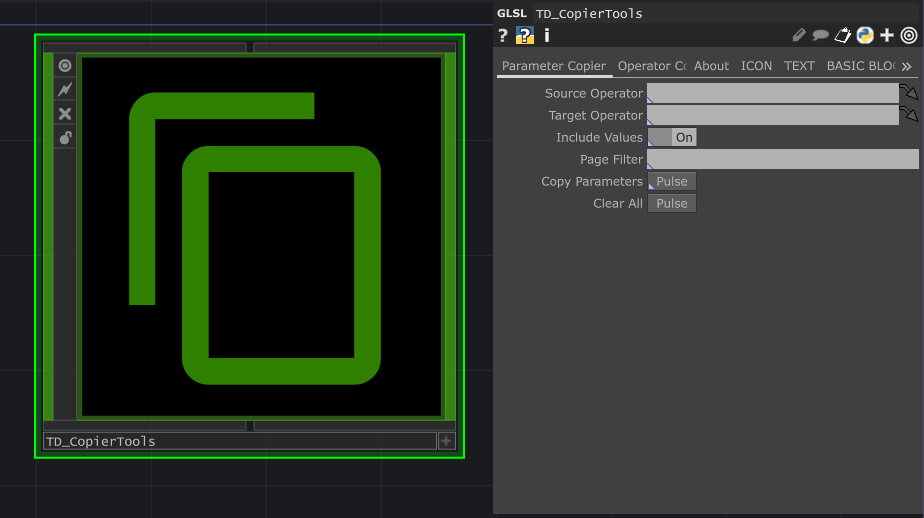
If you’ve spent any significant time in TouchDesigner, you know the pain of manually copying parameter values between operators. It’s one of those tasks that feels like it should be automated but somehow isn’t.
These utilities handle two specific scenarios that come up constantly: copying parameters between similar operators and duplicating entire operator chains with their settings intact.
Simple tools, but they eliminate hours of repetitive clicking when you’re building complex networks.
PoST: Professional Finishing Without Leaving TD
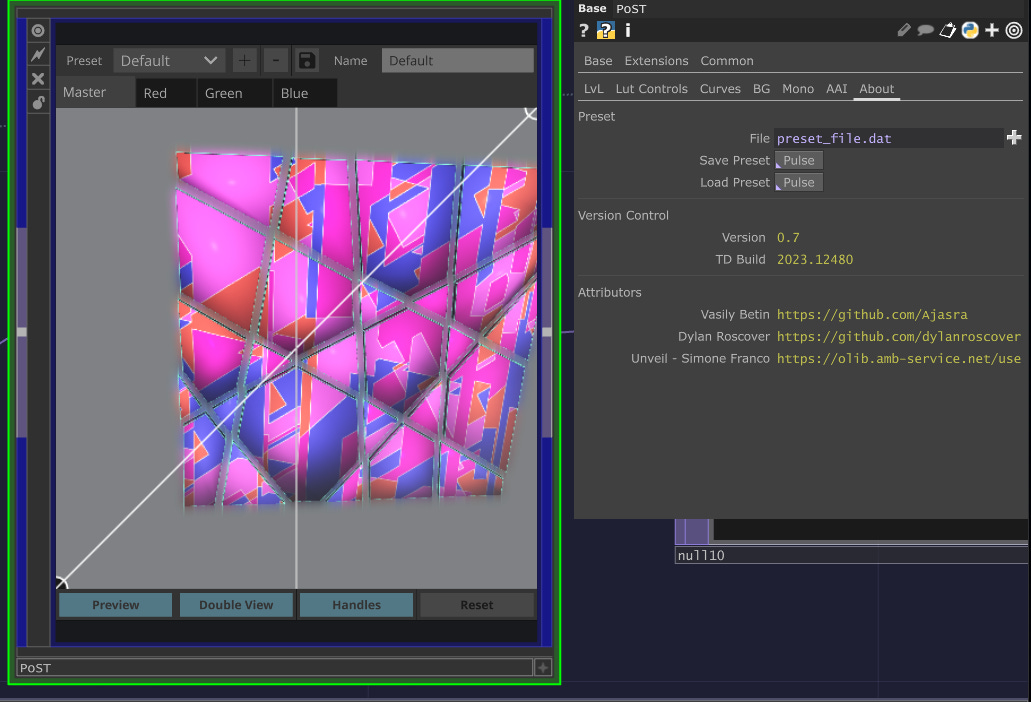
The third tool tackles a workflow issue that affects everyone doing visual work in TouchDesigner: the constant export-to-external-software cycle for color grading and finishing.
PoST (Post-processing Solution for TouchDesigner) brings professional-grade color tools directly into your TD network. Think of it as a complete post-processing chain that handles everything you’d normally do in DaVinci Resolve or After Effects.
This keeps your entire pipeline inside TouchDesigner, from generation through final output. Especially valuable for live performance work where external round-trips aren’t feasible.
Open Source
All three tools are fully open source and documented. Use them, break them, improve them. If you find bugs or have feature requests, GitHub issues are the best way to get in touch.
These grew out of my own practice, but they’re designed to be generally useful. Every creative technologist develops their own toolkit over time—this is part of mine.
Signal and Noise — Follow for more on generative art workflows, creative technology, and the tools that make it possible.